

Most delays in a fast pen test don’t come from the testing. They come from the emails that happen before it.
A provider can’t price or schedule what it can’t see. So the first reply is usually a list of questions. Then comes another round. Days pass before anyone starts.
The fix is simple: prepare your scope first. This guide is for IT managers, founders and compliance leads who need a test arranged quickly but aren’t penetration testing specialists. The six items below usually take an afternoon to gather.
Why Scope Decides How Fast Your Pen Test Really Is
Scope is the plan for the test. It says what will be tested, how deeply, and under what rules.
A clear scope lets a provider estimate the effort accurately and check who is available. A vague scope does the opposite. It creates guesswork, and guesswork means extra questions, revised quotes and a later start.
Speed doesn’t come from cutting corners. It comes from preparation. A good provider will still want to understand your systems before quoting. That is a sign of care, not a delay.
1. Name Exactly What You Want Tested
Start with a plain list of targets. Common examples include web applications, APIs, cloud environments, internal networks and mobile apps.
For each one, note four things: its name, its URL or IP range, who owns it, and what it does.
|
System |
URL / IP range |
Owner |
Purpose |
|
Customer portal |
portal.example.com |
IT Manager |
Client logins and documents |
|
Booking API |
api.example.com |
Dev team |
Connects the website and CRM |
Avoid asking for “everything”. It sounds thorough, but it leaves the provider unable to price the work. A short, honest list of your most important systems is better. You can add more later.
2. Draw the Line: What’s In and What’s Out
Say clearly which environments are included. Production, staging and test systems behave differently, and testing each carries different risks.
Mark anything you don’t own, such as payment processors or other third-party services. You generally can’t authorise testing of systems that belong to someone else.
Also flag fragile systems. Old servers or equipment that supports live operations may need extra care. Tell the provider early so they can plan around them.
|
In scope |
Out of scope |
|
Customer portal (production) |
Payment provider’s checkout |
|
Booking API |
Third-party email platform |
|
Office external IP range |
Legacy server (until after migration) |
3. Decide How Deep the Test Should Go
Two questions shape the depth. Will the tester log in? And as which users?
Testing without logging in shows what an outsider can see. Testing with accounts shows what could go wrong behind the login screen. Many real weaknesses sit behind it.
You may also hear the terms black box, grey box and white box:
- Black box: the tester starts with almost no information.
- Grey box: the tester gets some details, such as test accounts.
- White box: the tester gets extensive information, such as documentation.
Grey box testing is often chosen when time is limited, because the tester spends less time discovering the basics. Depth affects both price and timeline, so decide early. If you’re unsure, say so and ask the provider to recommend an approach.
4. Sort Permissions Before Anyone Starts Testing
Penetration testing must be authorised. In the UK, unauthorised access to computer systems can be an offence under the Computer Misuse Act 1990. Written permission protects everyone involved.
Before testing starts, confirm three things:
- Who can sign off. Someone with authority needs to approve the rules of engagement.
- Whether your hosting or cloud provider needs to know. Policies differ between providers, so check yours.
- That test accounts work. Each user role should have a working login before the test begins.
Permission and access problems are a frequent reason tests start late. They are also among the easiest to prevent.
5. Pin Down Your Deadline and Who Will Read the Report
Know why you need the test. It might be a client request, an audit, an insurance renewal or a product launch. The reason shapes what the report must contain.
If someone else is asking for it, ask them what they need to see. Do they want a particular accreditation? A certain scope? A report from the last 12 months?
Then work out the date you need the report, not just the date testing begins. Count backwards:
- Start from the date the report is due.
- Subtract time to fix and retest, if needed.
- Subtract reporting time.
- Subtract the testing days.
- Add a buffer.
If the sums don’t work, speak to whoever set the deadline early. It’s far easier before testing begins.
6. Name a Technical Contact and Set Safe-Testing Rules
Choose one person who can answer technical questions quickly. A slow reply can hold up the whole schedule.
Agree some ground rules too:
- Preferred testing windows
- Anything that must not be disrupted, such as payroll runs or sales peaks
- An emergency contact if something unexpected happens
- How serious findings will be reported, so you aren’t waiting for the final report
These rules keep testing safe and keep your business running normally.
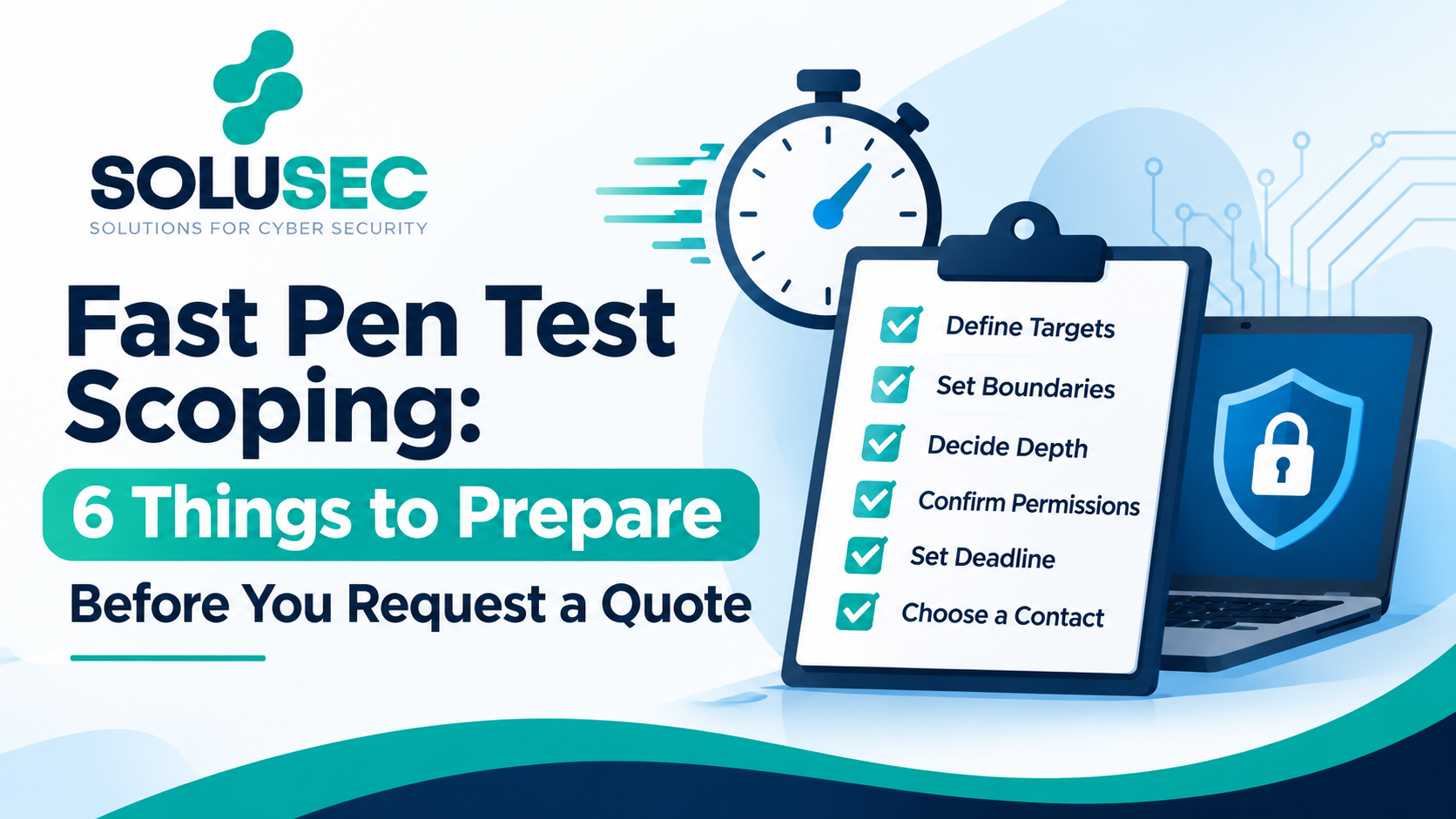
Your Quote-Ready Checklist
Copy this into an email when you contact providers:
- Targets: list of systems with URLs or IP ranges
- Boundaries: what’s in scope and what’s out
- Depth: logged-in or not, and which user roles
- Permissions: who signs off, and any hosting approvals needed
- Deadline: report date, reason for the test, and whether a retest is needed
- Contacts: a technical contact, testing windows and an emergency number
Ready to Move? What to Do Once You Have Your Scope
Send the checklist to two or three providers. Compare more than price. Ask for the earliest start date, the testing window and the report delivery date, all in writing.
Also ask who will carry out the testing and which accreditations they hold. Some providers, such as Solusec, have the person who scopes the work also deliver the test, which helps stop details getting lost in handover.
Frequently Asked Questions
1. What is a fast pen test?
It is a penetration test arranged and delivered on a shorter timeline. It can be quick to book, but it shouldn’t be a shortcut on quality. How fast it goes depends largely on how ready your scope and access are.
2. What information do providers need to give me a quote?
Most need your targets, environments, test depth, user roles, deadline and the reason for the test. The checklist above covers each of these.
3. Does a faster pen test mean a lower-quality test?
Not necessarily. Speed should come from good preparation, not skipped steps. Be cautious of any provider that quotes without asking about your scope.
4. How do I know if my scope is too big or too small?
Too big usually means “everything” with no priorities. Too small means leaving out systems your client or auditor expects to see. If you’re unsure, ask the requester what they want covered, or ask the provider to review your list.
5. Do I need permission from my hosting or cloud provider?
It depends on the provider and the type of testing. Check their current policy before testing begins. Your pen testing provider can also advise on what to look for.
Final Thoughts
A fast pen test starts well before the first test is run. Clear targets, firm boundaries, sorted permissions and a realistic deadline do most of the work.
Gather the six items, send the checklist, and you’ll usually get a clearer quote and an earlier start.
