

Bootable USB tools have long been essential for IT professionals, system administrators, and everyday users needing to install operating systems or recover systems. But the process of flashing individual ISO files onto USB drives—repeatedly formatting them each time—has always been tedious and time-consuming.
Enter Ventoy, an innovative and powerful tool that dramatically simplifies this process.
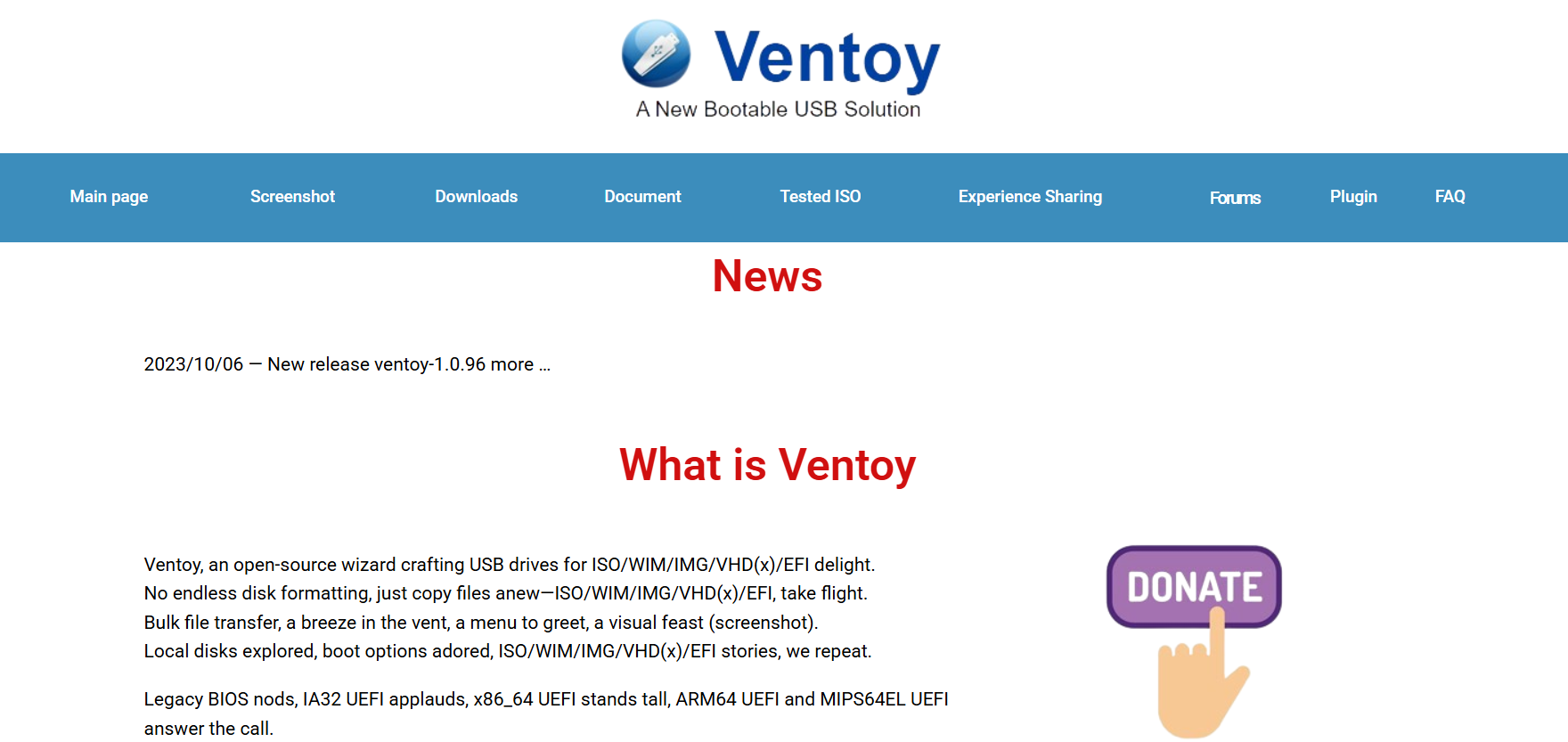
Ventoy is a free and open-source utility designed to streamline the creation of bootable USB drives. It supports multiple ISO images on a single USB stick without requiring repeated formatting or complex setups. For those looking for a better alternative to traditional boot tools like Rufus or UNetbootin, Ventoy download offers a compelling and efficient solution.
Origins of Ventoy and Why It Matters
Developed by a Chinese developer known as longpanda, Ventoy first emerged on GitHub in early 2020. The project quickly gained attention due to its ease of use and flexibility.
Unlike other tools that burn an ISO image directly to the USB—forcing users to overwrite data each time—Ventoy introduces a smarter system. Once Ventoy is installed on a USB drive, users can simply drag and drop ISO files onto the drive like they would with a normal file. Upon booting, a menu appears that allows selection from any of the ISOs present.
This fresh approach to multi-boot USBs changed the game and made the Ventoy download incredibly popular among enthusiasts and professionals alike.
Licensing and Open Source Status
Ventoy is fully open-source software, released under the GNU General Public License v3.0 (GPLv3). This means users are free to:
- Use it for any purpose
- Study how it works
- Modify it to suit their needs
- Redistribute the original or modified software
This transparent licensing model ensures that developers and users worldwide can freely contribute, enhance, or customize Ventoy without legal or financial barriers.
Many similar tools operate under restricted licenses or charge fees for advanced features. In contrast, Ventoy download remains entirely free, even for commercial or enterprise use.
Supported Formats and Operating Systems
One of Ventoy’s greatest strengths is its wide range of supported image formats, including:
- ISO (most Linux distros, Windows ISOs)
- WIM (used in Windows installations)
- IMG and VHD (used in virtual machines)
- EFI files (for advanced boot setups)
Ventoy supports booting in both Legacy BIOS and UEFI modes, making it compatible with most modern and older hardware. There’s also persistent boot support for Linux distros, meaning users can save settings and files between sessions—a feature not commonly found in other bootable USB solutions.
Whether you’re working with Windows 11, Ubuntu, Fedora, Debian, or even niche systems like Clonezilla or Kali Linux, Ventoy handles them with ease.
Downloading and Installing Ventoy
Getting started with the Ventoy download is incredibly simple:
- Visit the official site at ventoydownload.com.
- Choose your platform: Windows or Linux.
- Download the ZIP package and extract it.
- Run the executable (for Windows) or use the CLI (for Linux).
- Insert a USB drive and install Ventoy onto it.
Once the USB is initialized, simply copy your ISO files to the root directory. No need to format again or repeat the installation process for each new ISO.
For those concerned about safety, the SHA256 checksums for each release are published on the official site, ensuring the authenticity and integrity of the downloaded files.
Community and Development Support
Ventoy isn’t just another one-man project with minimal updates. It has a vibrant and growing community, with regular updates and a clear changelog published on GitHub.
Some benefits of this open-source ecosystem include:
- Frequent updates and bug fixes
- Community-reported enhancements
- Pull requests from developers worldwide
- Multilingual support and documentation
Additionally, you can submit issues, request new features, or even fork the code for personal or commercial projects—thanks to its GPL license.
Use Cases in Real-World Scenarios
Ventoy is especially valuable in scenarios like:
- System recovery: Carry multiple OS recovery tools or antivirus ISOs in a single drive.
- Software testing: Test various operating systems without needing to reflash USBs.
- IT deployments: Use one USB to install Windows, Linux, and utility tools across multiple systems.
- Tech education: Students and instructors can boot various environments for labs and training.
For field engineers or traveling tech consultants, Ventoy becomes an all-in-one solution that saves time and increases productivity.
Ventoy vs Traditional Tools
How does Ventoy download stack up against common tools like Rufus, YUMI, or BalenaEtcher? Here’s a quick comparison:
| Feature | Ventoy | Rufus | YUMI | BalenaEtcher |
| Multi-ISO Support | ✅ Yes | ❌ No | ✅ Limited | ❌ No |
| Open Source | ✅ Yes | ✅ Yes | ❌ No | ✅ Yes |
| File Copy Simplicity | ✅ Drag & drop | ❌ Reflash | ❌ Reflash | ❌ Reflash |
| UEFI/BIOS Support | ✅ Both | ✅ Both | ✅ Partial | ✅ Partial |
| Persistence Support | ✅ Yes | ✅ Limited | ✅ Yes | ❌ No |
| Cost | ✅ Free | ✅ Free | ❌ Premium Ver. | ✅ Free |
Ventoy clearly stands out for its combination of flexibility, freedom, and ease of use.
Security Considerations
Security is always a concern when using third-party tools, especially those that interact with boot processes or system-level operations. Thankfully, Ventoy has been vetted by the open-source community, which adds a layer of transparency and trust.
In addition, the developer provides:
- Regular security patches
- Secure download links with cryptographic verification
- Compatibility with secure boot (with signed files)
While no tool is perfect, Ventoy offers significantly lower risks than obscure proprietary software due to its transparent development process and public codebase.
Tips for Maximizing Ventoy’s Potential
To make the most out of your Ventoy-enabled USB, consider these expert tips:
- Label your ISOs clearly to identify them easily in the boot menu.
- Organize ISOs in folders, though some may require being placed at root.
- Use the VentoyPlugson GUI tool to configure boot parameters and appearance.
- Enable Secure Boot Support by enrolling Ventoy’s secure key into your BIOS.
- Keep your USB updated using the Ventoy2Disk tool—new versions are frequently released.
Advanced Features Worth Exploring
Ventoy isn’t limited to just dropping ISOs. It also includes advanced features for power users:
- Theme customization: Change fonts, background, or boot layout.
- Password protection: Lock access to the boot menu.
- Auto installation support: Include configuration files for automated OS installations.
- Script injection: Modify boot behaviors or integrate with other boot tools.
These features make Ventoy not just a utility but a powerful platform for boot management.
Conclusion
Ventoy is more than just a handy USB tool—it’s a paradigm shift in how bootable media is created and managed. With its completely free and open-source nature, it empowers users across all skill levels to take control of multi-boot USB setups without jumping through technical hoops.
By simplifying what used to be a cumbersome process, Ventoy has become a go-to solution for millions worldwide, from hobbyists to IT professionals.