

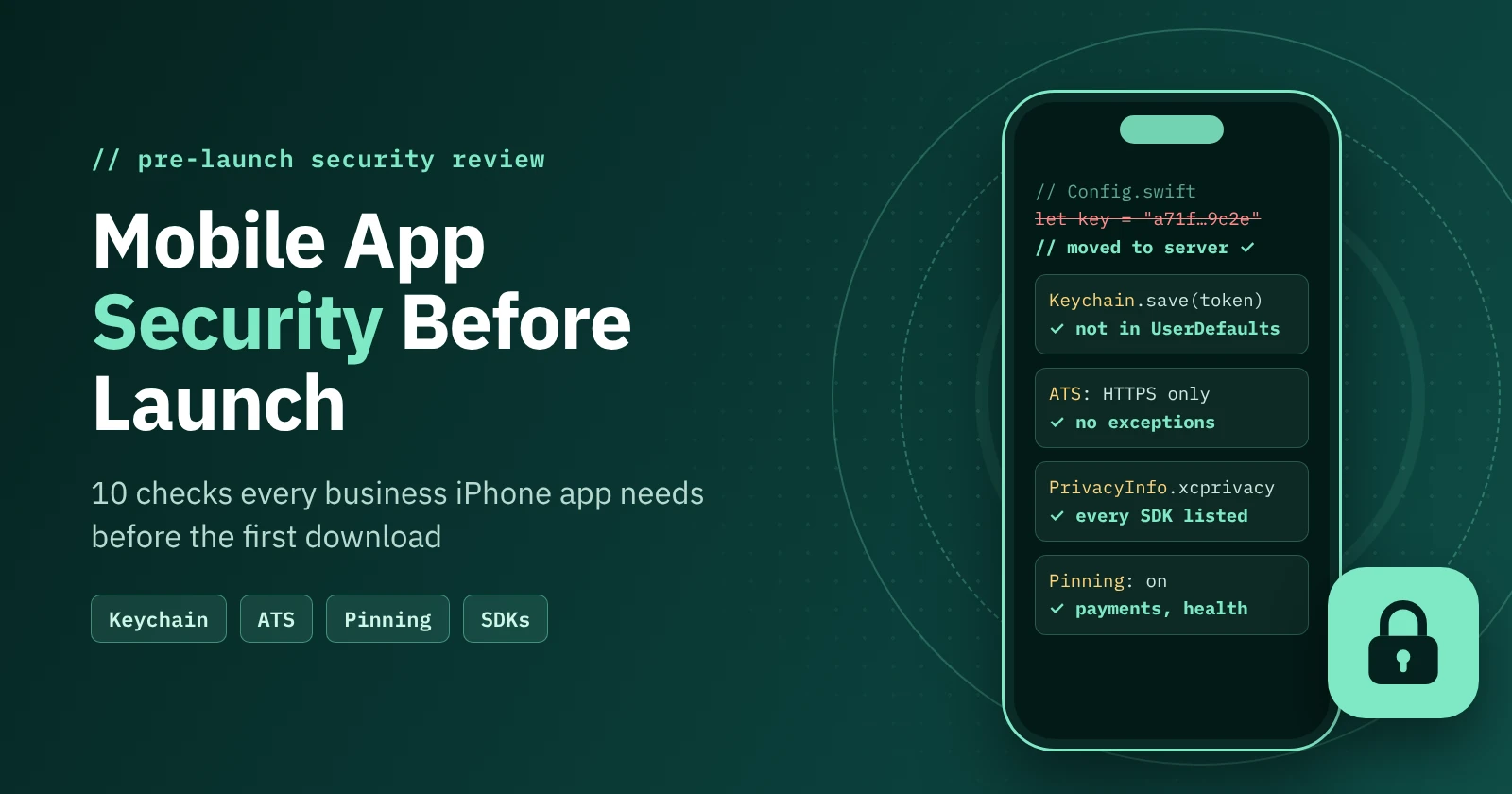
Here are the security checks a business iPhone app needs before launch: keep API keys off the phone, store logins in the Keychain, use HTTPS everywhere, and check every request on your server. These steps can protect the relationship between you and your customers and help you lower risk before the first download.
The rise of app stores like Apple’s App Store and Google Play has changed how businesses sell, giving them a fast and low-cost channel to millions of customers worldwide.
But sometimes, the rush between the first build and the launch date can lead to apps where user data sits exposed to theft, account takeover, or fraud.
1. Do You Know Where Your App Is at Risk?
Apps can be attacked from inside or outside of the phone. Say a field rep leaves a work iPhone in a rideshare, and whoever finds it opens your app and sees every customer record. It’s important to be aware of which parts of your app are safe and which are more prone to leaks and attack.
Map out your data flows so you can cut risky features altogether or proceed with appropriate caution when you add screens there.
2. Where Should Your API Keys Live?
A 2025 study from Cybernews analyzed over 156,000 iOS apps to see where most secrets end up. It found that 71% of the apps leak at least one secret, like cloud storage keys, API keys, and payment processor keys, in their code.
To avoid stolen keys and reduce the risk of falling victim to a costly breach, try to keep secret keys on your server, not in the app, if at all possible.
3. Should Your App Trust the Phone It Runs On?
Picture a 5 AM order in a store app one week. A user signs in, looks normal, and passes every check in the app. A few minutes later, the same account sends a request with a changed price, which the app itself never let the user enter on screen.
At this point, the request has been tampered with. The app can’t tell, so your server must. In these situations, it’s important to trust your server.
Don’t hesitate to reject a request if the data looks wrong.
4. Do You Need Certificate Pinning?
Additionally, apps that move money or health data can consider pinning their server certificate or adding another form of protection. For instance, Apple lets you pin keys right in the Info.plist file.
While you’ll hopefully never have to face a man-in-the-middle attack on a public Wi-Fi network, it’s important to be prepared to protect your users just in case.
5. Is HTTPS Turned On Everywhere?
According to Quokka’s State of Mobile App Security 2026 report, which covered more than 150,000 apps, plain HTTP traffic was the most common flaw it found. One way iPhone apps can protect users from this kind of snooping is to use Apple’s own tools to their advantage.
Apple has introduced a safety feature, App Transport Security, that makes apps use HTTPS connections by default for their network requests.
You can also take matters into your own hands by checking your Info.plist for any ATS exceptions. Each exception is a gap, and Apple can ask you to justify it during review.
6. Where Should Your App Store Passwords and Tokens?
Unfortunately, phones can be subjected to theft, backups, and other prying in the form of lost devices, synced files, or malware. To protect users, set clear rules for stored data.
Plain storage spots are the ones that leak the most sensitive data. Establish rules around acceptable storage in your app, such as keeping tokens in the Keychain and never in UserDefaults.
You can also set expectations around logins and screens, make it clear that sensitive screens will ask for Face ID.
7. Can Someone Reverse-Engineer Your App?
In 2025, Zimperium reported that iOS and Android apps are being targeted by reverse engineers, with 60% of iOS apps having no protection against them that year.
One way to shield your app from this danger is to avoid shipping the most valuable logic in apps with no code protection on the device.
8. Have You Vetted Every Third-Party SDK?
One of the biggest app safety tips is to evaluate your SDKs before they get in the app. Apple doesn’t vet SDKs as extensively as it does apps, so you can’t rely on App Review to screen SDKs.
But you can use privacy manifests from SDK makers. As you decide whether or not to add an SDK, pay close attention to the SDK’s manifest.
If an SDK has no manifest even though Apple has asked for one since May 1, 2024, adding it might not be worth the risk.
9. How Does a User Session End?
When you sign in a user, it’s smart to have an exit plan in place. If you accepted a login from an unfamiliar device, do a quick check, note the device, and set your tokens up for an easy exit.
You should also revoke tokens somewhere central and keep control on your server at all times for your users’ safety.
10. What Else Belongs on the Pre-Launch List?
Here are a few checks you can use to ensure you and your users get to launch day safely:
- Ask testers to try the app on a jailbroken device and ensure it fails safely.
- Run a review against the OWASP Mobile Top 10, or ask your app development company in Dallas or Houston to run it for you.
- Avoid logging data like passwords, tokens, or card numbers.
- Strip debug menus and test accounts out of the release build.
| Check | What it stops |
| API keys on the server | Stolen keys and surprise cloud bills |
| Keychain for tokens | Account takeover from a lost phone |
| App Transport Security | Snooping on public Wi-Fi |
| Certificate pinning | Fake certificates and proxies |
| Server-side checks | Tampered prices and requests |
| SDK privacy manifests | Hidden data collection |
| Short token lifetimes | Long-lived stolen sessions |
What If a Security Issue Shows Up After Launch?
Despite your best efforts to avoid a security incident, you can’t always control how attackers behave.
If an account is behaving oddly or showing signs of abuse, try your best to stay calm and limit the damage. If that doesn’t work, push a forced update and end the old sessions.
If a key is exposed and becomes actively abused, it’s important to rotate it on the server as quickly as possible and tell the affected users.
When you keep your keys on the server, you’ll be able to swap details like your API keys and token rules without waiting for App Review.
Above all, remember that keeping user data safe and earning back your customers’ trust should always be your main priority. Protecting users matters more than saving a launch date or a feature.
Key Takeaways
One of the biggest issues for business iPhone apps is a lack of control over the phones they run on.
As an app owner, you don’t have the same level of control as you do over a web server, nor are you covered by Apple’s review for every flaw. This dynamic can make owners feel powerless in vulnerable launches.
However, by using Apple’s tools to your advantage, setting clear storage rules, and taking steps to protect your server, you can help mitigate these risks.
Additionally, it’s important for any mobile app development company in Houston or elsewhere to take action to protect your users and ensure they feel safe and supported while using your app.