

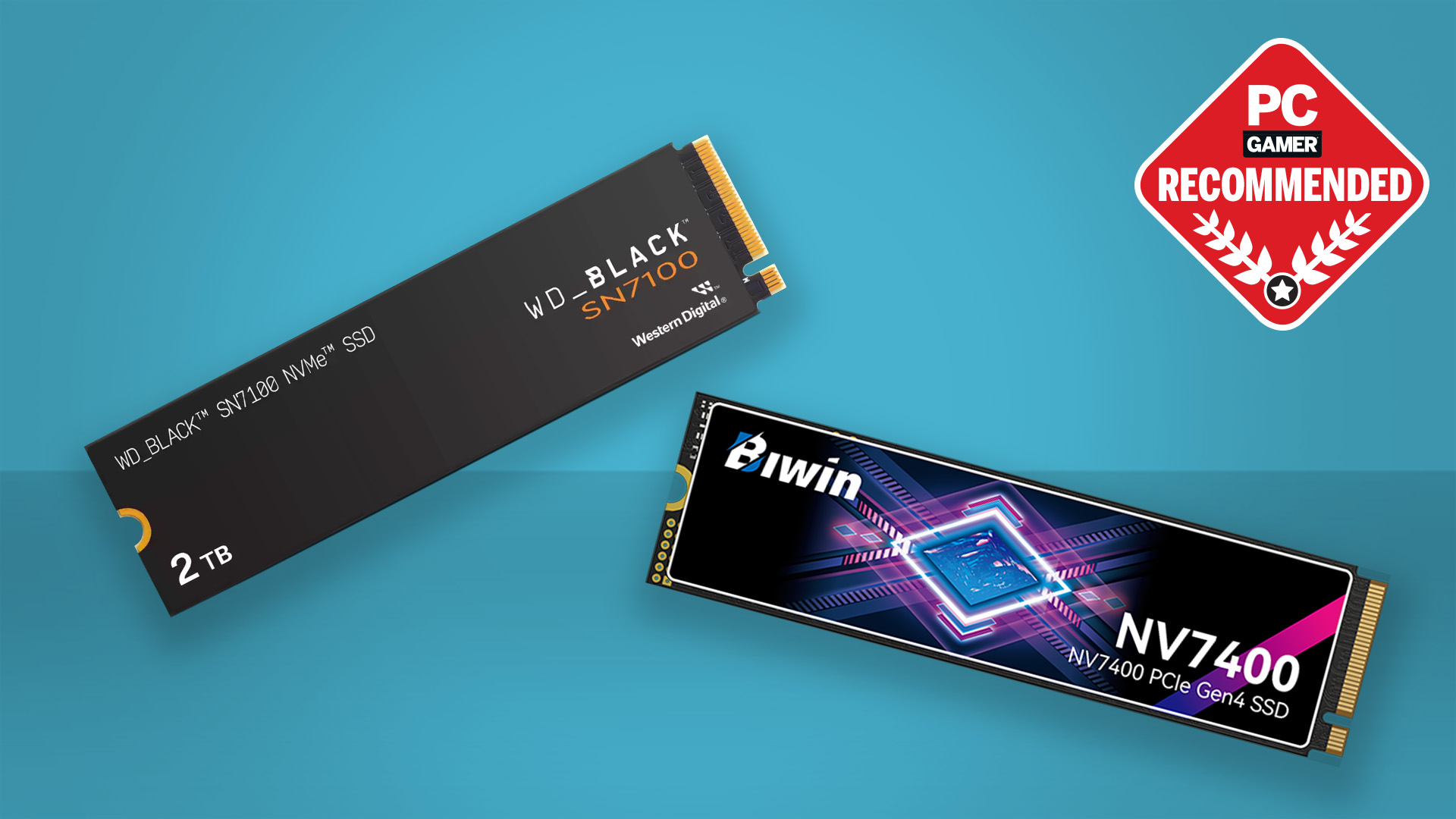
Choosing the right m.2 2280 nvme ssd can make a world of difference in your system’s speed, reliability, and overall performance. As storage technology continues to evolve in 2025, these compact yet powerful drives have become essential for gamers, professionals, and everyday users seeking lightning-fast load times and seamless multitasking. In this article, we’ll highlight the top 7 best M.2 2280 NVMe SSDs this 2025, helping you find the perfect balance of speed, capacity, and value for your PC or laptop upgrade.
What is M.2 2280 NVMe SSD?
An M.2 2280 NVMe SSD is a high-speed storage drive that combines the compact M.2 2280 form factor with the NVMe protocol over a PCIe interface. This design delivers much faster speeds, better efficiency, and greater reliability compared to older SSDs or HDDs.
Key Features & Advantages
- Ultra-Fast Speeds: Sequential read/write speeds can exceed 7,000 MB/s, far outperforming SATA SSDs and HDDs.
- Compact & Cable-Free: The M.2 design eliminates cables, improving airflow and making builds cleaner.
- Energy Efficient & Reliable: It consumes less power and has no moving parts, making it more durable.
- Better Multitasking: High-speed data transfer improves responsiveness for demanding tasks like gaming or video editing.
Compatibility & Requirements
Before upgrading, make sure your system can work with an M.2 2280 NVMe SSD:
- M.2 Slot – Your motherboard needs an M.2 slot that fits the 2280 size.
- Interface Support – Check that the slot supports PCIe NVMe SSDs. Some M.2 slots only support slower SATA SSDs, which won’t give you the full NVMe speed.
- Operating System – Modern operating systems like Windows 10/11 and recent Linux versions already support NVMe drives, so you don’t need extra drivers.
Top 7 Best M.2 2280 NVME this 2025
Top 1: ADATA LEGEND 900 PRO
- Specs: PCIe Gen4×4, up to ~7,400 MB/s read, 6,500 MB/s write.
- Pros: Very fast Gen4 SSD, ideal for gaming and content creation, and compatible with modern Intel or AMD platforms.
- Best For: High-end gaming PCs or workstations needing top Gen4 speed.
Top 2: Samsung 990 PRO
- Specs: PCIe Gen4×4, up to ~7,450 MB/s read, 6,900 MB/s write.
- Pros: Strong overall performance, reliable brand, and compatible with both PS5 or PCs.
- Best For: Enthusiast gamers or creators wanting one of the best Gen4 drives.
Top 3: WD Black SN850X
- Specs: PCIe Gen4×4, up to ~7,300 MB/s read; capacities 1–8TB/
- Pros: Offers large capacities, fast performance, and gaming-oriented features like heatsink options.
- Best For: Gamers or workstation users with huge libraries of games or media.
Top 4: Crucial P5 Plus
- Specs: PCIe Gen4, up to ~6,600 MB/s read; capacities 500GB–2TB
- Pros: Offers balanced performance, good value for money, and reliable operation.
- Cons: Slightly slower than top-tier drives.
- Best For: Everyday upgrades, budget-conscious gamers, or creators.
Top 5: Sabrent Rocket 4 Plus
- Specs: PCIe Gen4×4, up to ~7,100 MB/s read.
- Pros: Delivers extreme performance, supports large capacities, and is ideal for heavy workloads.
- Best For: Enthusiast/workstation PCs needing ultra-fast throughput.
Top 6: Kingston KC3000
- Specs: PCIe Gen4 interface, up to ~7,000 MB/s read/write speeds, and available in capacities up to 4 TB.
- Pros: Durable, high performance, and professional-grade.
- Best For: Professionals and creators handling large datasets or high-res video.
Top 7: Corsair MP600 Pro LPX
- Specs: PCIe Gen4×4 interface, ~7,100 MB/s read, 6,800 MB/s write speeds, with strong IOPS performance.
- Pros: Excellent thermal management; consistent performance.
- Best For: Desktop builds prioritizing thermal control.
How to Choose the Right SSD for You
Choosing the right SSD comes down to balancing price, performance, and how you plan to use it. Here’s what to consider:
- Price: SATA SSDs are more budget-friendly but slower, while NVMe SSDs offer faster performance at a higher cost.
- Compatibility: Ensure your device supports the SSD’s form factor and interface, as an incompatible SSD may reduce speed or not install at all.
- Storage Capacity: SSDs range from 120GB to several terabytes. Most modern drives are 1–2TB, suitable for games, media, and apps. Choose a size based on your storage needs, especially if you have large media libraries.
- Speed: SATA SSDs are suitable for everyday tasks, while NVMe SSDs offer much faster performance for gaming, video editing, and heavy workloads.
- Device Requirements: Ensure your device supports the SSD’s type, speed, and size. Always check your device’s requirements before buying to make sure the SSD will work.
Choosing the right SSD ensures you get the right balance of price, speed, and storage. Think about what you’ll use it for, how much space you need, and how fast your system needs to be. The right SSD makes your computer or console run smoother and faster.
Installation and Optimization Tips
Upgrading to an M.2 NVMe SSD can make your system much faster. Follow these steps to install and optimize it.
Installation Steps
- Power Down and Prepare: Turn off your computer and unplug it from the wall. Press the power button once for a few seconds to release any leftover electricity in the system.
- Locate the M.2 Slot: Open your computer case and look for the M.2 slot on your motherboard. If you’re unsure where it is, check your motherboard’s manual for guidance.
- Insert the SSD: Hold the SSD by its edges to avoid touching the connectors. Align the notch on the SSD with the key in the M.2 slot, then gently insert it at a 30° angle.
- Secure the SSD: Gently push the SSD down so it lies flat against the motherboard, then fasten it with the provided screw. Avoid overtightening to prevent damage.
- Reassemble and Boot: Replace the case panel, reconnect cables, and turn on your system.
BIOS/UEFI Setup
- Enter BIOS/UEFI (usually F2 or Del during boot).
- Enable PCIe x4 mode in the M.2 settings.
- Set PCIe Generation to Gen 4 if your motherboard supports it.
- Save changes and exit.
Windows Optimization
- Enable Write Caching: Open Device Manager, go to Disk Drives, select your SSD, open Properties, go to the Policies tab, and check Enable write caching on the device.
- Adjust Power Settings
- To make your computer run faster, open the Control Panel and go to Power Options, then choose High Performance. After that, set “Turn off hard disk after” to Never and PCI Express Link State Power Management to Off. This keeps your hard drive and other devices active, helping your system respond more quickly.
- Optimize the SSD
- To optimize your SSD, open the Start Menu and search for “Defragment and Optimize Drives.” Select your SSD from the list, then click Optimize to improve its performance.
- Optional Tweaks
- Disable Windows Search Indexing and turn off Hibernation (powercfg -h off) to reduce drive writes and free disk space.
Following these steps ensures your M.2 NVMe SSD runs at full speed, giving faster boot times, quicker app launches, and smoother multitasking.